June 1, 2026
Every version of ProctorU, whether Live+, Review+, or Record+, runs through the same piece of software called Guardian Browser. That browser is the foundation. ...


Yes. ExamSoft detects cheating. It does so through a combination of complete device lockdown, continuous video and audio recording, screen capture, and AI-powered behavior analysis. All these are reviewed by a human instructor after you submit.
ExamSoft is not a browser-level checker like Respondus. It is an operating system-level security platform.
Below, we answer the question, “Can ExamSoft detect cheating?” in detail. We break down every detection layer, what behaviors trigger flags, and the one way to make sure none of those flags ever get attached to your name.
Before you even see the first question, ExamSoft takes control of your computer. The testing application, Examplify, does not just lock a browser. It locks down the entire operating system.
When your exam launches, this part disables all other applications. Hence, you cannot open a PDF. You also can’t use another web browser or a messaging app on the laptop.
The internet connection is blocked, not just monitored. Copy and paste functions are killed system-wide.
Also, screenshots are impossible. All the keyboard shortcuts you normally rely on all stop working. The only thing your computer can do is run the exam.
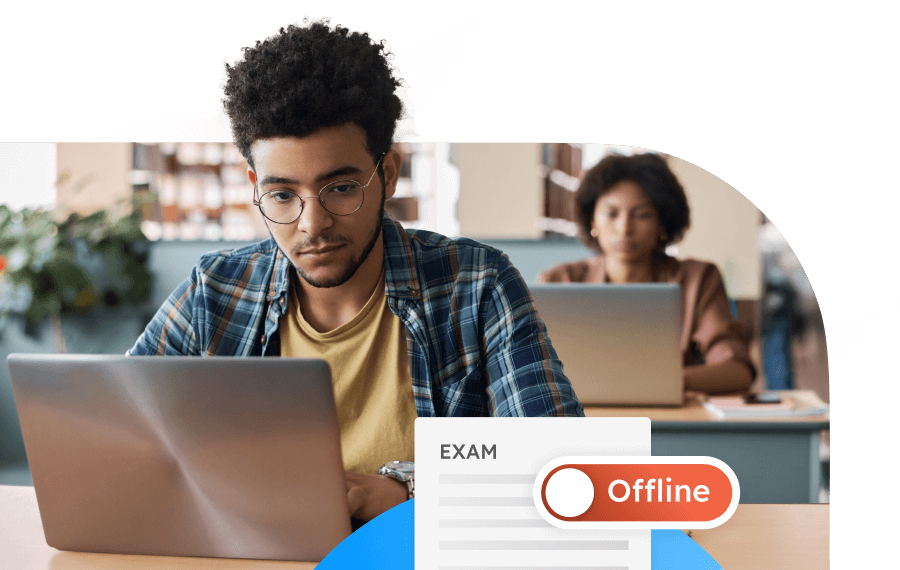
This lockdown happens offline. ExamSoft does not need a constant internet connection to enforce these restrictions. The exam file downloads before the test, and the session runs entirely on your device until you submit. That makes traditional remote desktop or live intervention-type cheats far harder to pull off.
Before your test begins, you must prove who you are. The software needs to ensure you are the person who is supposed to take it. ExamID uses facial authentication to match your live face against a previously enrolled image.
This is a one-to-one verification. The system checks that the face in front of the webcam belongs to the registered student. It does not search a database of known cheaters. It simply confirms identity.
If your face does not match, the exam can’t start. The software will flag you for review. This layer exists to stop impersonation. You cannot send a ringer to take the test in your place without triggering a mismatch.
Once your identity is confirmed and the exam starts, ExamMonitor begins recording. It captures three things for the entire duration of the exam.
This recording happens offline. The footage is stored on your device during the exam and uploaded to the institution’s servers after you submit. No proctor watches you live. No one interrupts your session. The evidence is gathered first, reviewed later.
Once your recording is uploaded, trained artificial intelligence scans it for behaviors that suggest cheating. The AI does not decide if you cheated. It simply marks moments in the video that look unusual and attaches a flag for the instructor to check.
Behaviors that generate flags include:
The AI also has settings for sensitivity. Some institutions set it high, which generates more flags for minor things like looking down at scratch paper or yawning.
The problem with every detection layer is that they all rely on you doing something suspicious. You glance wrong. You reach for a paper. Your phone screen reflects in your glasses. The AI flags it. The instructor investigates. Your entire academic record hangs on whether a reviewer believes you were scratching your chin or reading a text.
There is a way to cheat ExamSoft and make sure none of those layers ever fire in the first place. Do not be the person taking the exam.
We have specialized tools that connect to your laptop remotely and take full control stealthily. You remain on camera, calm and natural, while an expert completes every question from a separate location with access to all the references and resources that are off limits to you.
ExamSoft’s detection might be multi-layered and aggressive, but it only works if there is something to detect. Let us make sure there never is. Reach out now to book your spot.
Every version of ProctorU, whether Live+, Review+, or Record+, runs through the same piece of software called Guardian Browser. That browser is the foundation. ...

Yes. Honorlock records your screen during exams. This is not a “maybe” situation. If your instructor turned on the Screen Record setting, and most...

Yes. ProctorU catches phones by using a live human proctor, not just software. A real person watches your webcam, screen, and audio. If you...