October 24, 2026
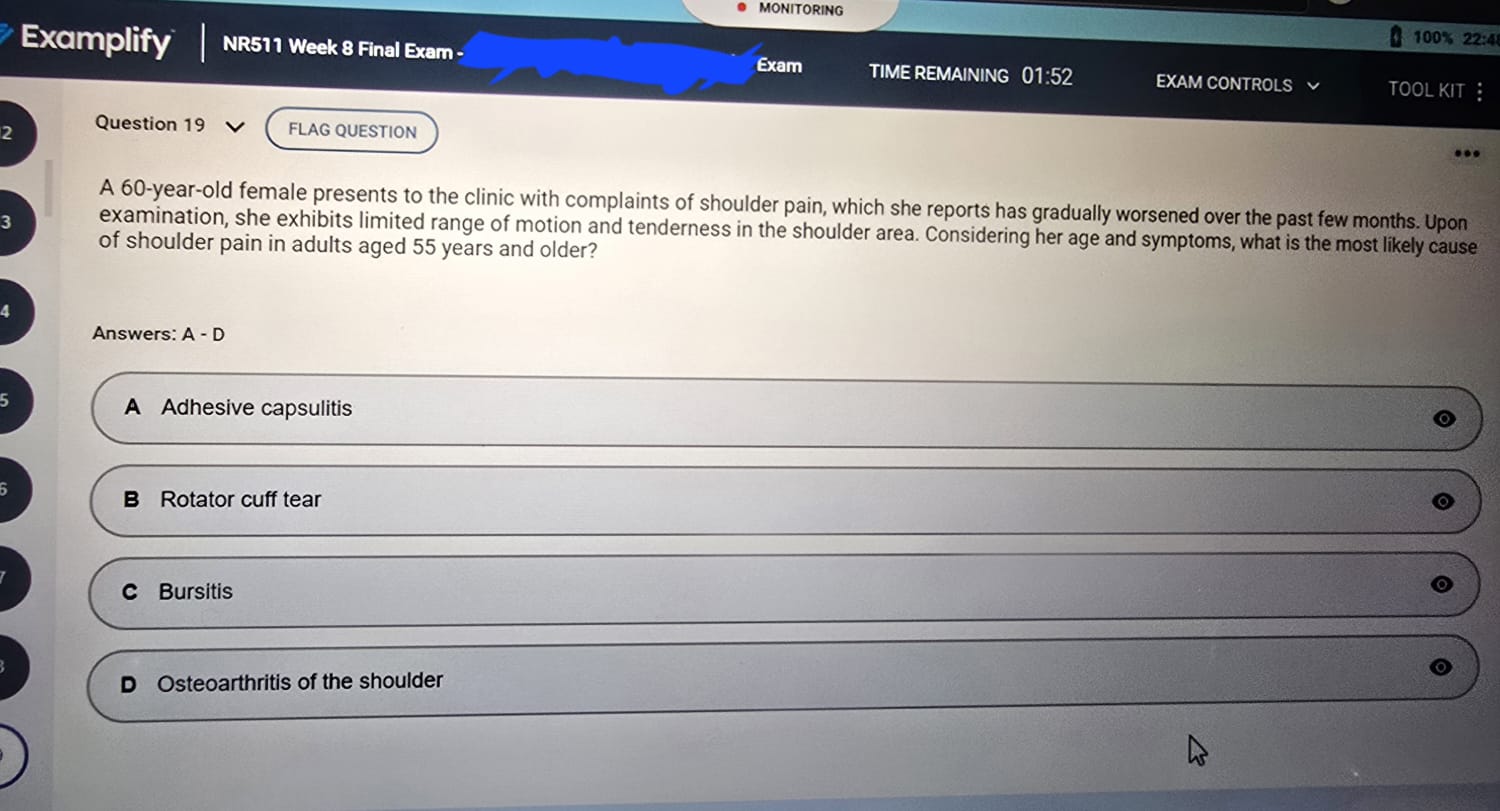
NR511 Final Exam October 2026 Verified Questions and Questions

The best way on how to cheat on an online exam and walk away with a clean grade, is to attack the proctoring system where it is blind.
We have been covering several of these methods in our blogs. For this article, we will cover a few others. These include feeding a live video of your exam screen and running the exam inside a virtual machine.
So, shall we get started?
Online exams today are guarded by four layers:
1. Browser lockdowns: These trap your cursor inside the test window.
2. Webcam and microphone: The recording that runs from start to finish.
3. AI behavior analysis: These flag every off-screen glance and every background sound.
4. A live human proctor. They could interrupt your session if they suspect anything.
If your online exam uses Respondus Monitor, Honorlock, ProctorU, or ExamSoft, you are facing at least three of those layers simultaneously.
To beat this, you must stop trying to hide obvious cheats. Attack the surveillance at its technical limits.
Below are various advanced methods that give you a chance against proctoring software:
This method turns a second device into an autonomous answer engine that never appears on camera and leaves no trace on the exam machine. You capture the exam screen in real time, feed it to a vision-capable AI, and receive the answer through an audio channel so small it cannot be detected.
A second device capable of running an AI model. This can be a smartphone with a powerful processor, a compact mini PC like an Intel NUC, or a separate laptop placed completely out of view. You also need a way to capture the exam screen invisibly.
The cleanest approach is a USB HDMI capture dongle connected between your exam laptop and a dummy monitor or simply looped back if your laptop outputs HDMI. The capture dongle does not install anything on the exam machine. It simply receives the video signal and sends it to your second device via USB, where software reads it as a webcam feed.
Alternatively, a tiny endoscopic camera pointed at the screen and connected to the second device works if your exam laptop does not have an accessible HDMI output.
On the second device, you run a screen capture tool that grabs frames at intervals. Every two seconds is enough. Those frames are sent to a locally running large language model with vision capabilities, or to a cloud API like OpenAI’s GPT-4 with Vision if you have a secure cellular hotspot that is not on the same network as the exam machine.
You prompt the AI: “You are answering a multiple-choice exam. The question and options are in the image. Return only the letter of the correct answer and a very short confirmation.” The response comes back in text. That text is immediately converted to speech using a text-to-speech engine and piped into a magnetic induction earpiece hidden in your ear.
The earpiece is critical. As we covered earlier in our CEA exam guide, a magnetic induction neck loop and micro earpiece produce no audible sound that a microphone can pick up. The audio travels via magnetic field from a neck loop hidden under your shirt to a pea-sized speaker deep in your ear canal. The second device sits in a drawer or another room entirely, connected to the earpiece via a long audio cable or a short-range Bluetooth induction adapter.
Latency is the enemy. If the AI takes too long, you freeze. You must test the full chain repeatedly on practice exams. Also, the HDMI capture dongle is a small physical device. It must be hidden.
If the proctor asks you to show the back of your laptop or to pan your room again mid-exam, you need to have the dongle disguised, perhaps as part of a charging cable. This method also requires a reliable cellular connection on the second device, independent of any Wi-Fi the proctoring software might be monitoring.
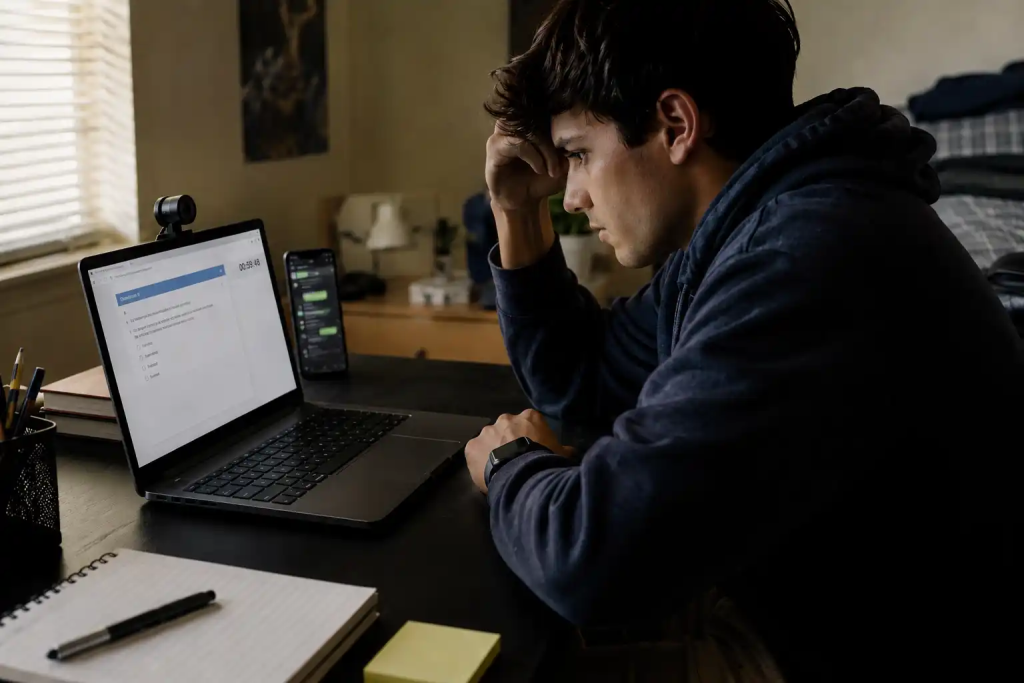
A virtual machine lets you run the proctored exam inside a sandbox while your real operating system remains completely free for searching notes, opening browsers, and running AI tools. The problem is that proctoring software has become expert at detecting VMs. To beat it, you must build a VM that looks exactly like a physical computer.
Do not use VirtualBox or something like VMware Workstation on the same machine. Those leave obvious traces.
Instead, use a Linux KVM hypervisor with QEMU on a separate physical computer that you access remotely, or better, install the exam inside a Windows VM on a dedicated desktop that you sit in front of while your real laptop sits off-camera with all your tools. The VM must have direct access to real hardware components through PCI passthrough.
Configure IOMMU (Intel VT-d or AMD-Vi). Pass through a dedicated GPU to the VM. The exam software will see a real graphics card with actual drivers, not a virtualized display adapter.
Spoof the MAC address to match a known physical manufacturer, not the default KVM range. Modify the VM’s ACPI tables to remove references to virtualization.
Disable the Hyper-V enlightenments that many tools scan for. Set the system manufacturer and product name strings to something like “Dell Inc.” and “Latitude 5520” using QEMU’s -smbios options. Hide the KVM signature from the registry by patching the Windows kernel or using a pre-built loader that strips the “VBOX” or “VMware” identifiers—some custom tools exist in cheat forums for this exact purpose.
The result is a Windows machine that reports itself as a physical Dell laptop. You install the proctoring browser inside the VM and take the exam there. Meanwhile, on the host Linux system (or a second laptop that you control via a KVM switch), you have every resource open: textbooks, Google, ChatGPT, and a helper on standby.
Switch between the VM screen and your cheat screen using a hardware KVM that changes the display and keyboard/mouse at the press of a button. The webcam is connected to the VM, and you sit in front of it. The AI behavior analysis sees a student staring at the screen and typing normally.
Building this takes days of technical work. You must understand Linux, QEMU command lines, and Windows driver management. A single misconfiguration can trigger an immediate VM detection flag, and some institutions permanently ban students who are caught attempting to use a virtual machine.
Also, if the proctor requires you to show the physical device during a room scan, you must have a real laptop that matches the spoofed system information, or you simply refuse, but that draws suspicion. This method is for students with serious technical ability and a high tolerance for risk.

Here are answers to some of your questions about bypassing proctoring software and how to cheat on an online exam:
They use layered surveillance: browser lockdowns that restrict your computer, webcam and microphone recordings, AI that analyzes eye movement and background sounds, and in some cases live proctors watching in real time. Everything is recorded for later review.
Yes. Most proctoring tools capture your entire desktop, not just the exam window. They see any tabs you open, applications you launch, and mouse movements you make.
LockDown Browser itself only locks your computer. However, Respondus Monitor adds webcam and microphone recording, and AI flags off-screen glances or sounds from a phone. Honorlock goes further by using audio watermarks to detect secondary devices.
ExamSoft’s OS-level lockdown probes for virtual machine indicators. Standard VMs are usually detected and blocked. Highly hardened VMs with hardware passthrough can evade detection, but the setup is extremely complex.
The most reliable method on how to cheat on an online exam with choice answers is to use a remote expert who takes the exam for you, invisible to the proctoring software. Other methods include pre-loading answers into a modified calculator, using an AI capture-and-answer chain with a hidden earpiece, or exploiting open-book allowances to bring annotated reference materials.
Eye movements away from the screen, anyone else entering the room, unexpected sounds, reflection of phone screens on your face, and any application or hardware that doesn’t belong in the testing environment. They review flags after the exam or intervene live if the behavior is obvious.
Every method above on how to cheat on an online exam demands a piece of you: hours of setup, technical skill, nerves of steel. One small slip, a cable in frame, a misconfigured VM, a proctor who decides to pay attention, and your exam ends with a zero and a misconduct report. The online exam industry has spent years building surveillance to catch exactly the kind of attempts described here.
The method that works without you needing to learn any of it is a full takeover. With our service, we take control of your keyboard and mouse using third-party tools. We then complete every question while you remain on camera and act naturally.
You do not need to build a KVM rig or train an AI model. You just need to show up and let our team deliver the grade. Click to book our service now or learn more about what we do.
NR511 Final Exam October 2026 Verified Questions and Questions
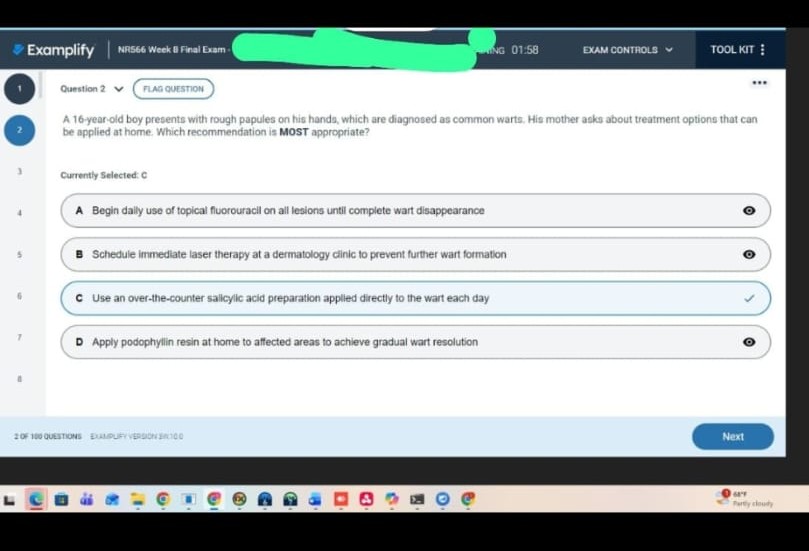
NR566 Final Exam October 2026 Verified Questions and Questions
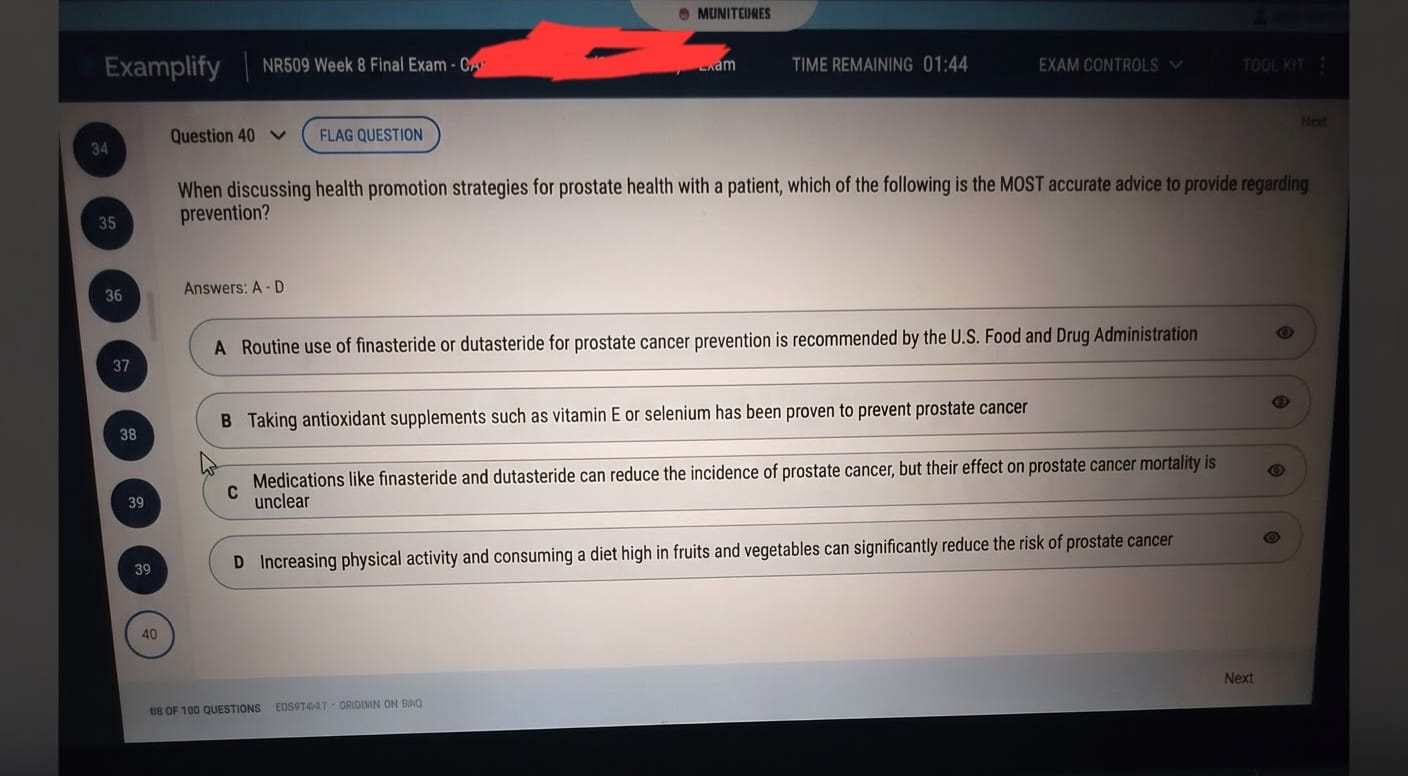
NR509 Final Exam October 2026